Early access · for 2D animators

You draw the keyframes.
MotionCel fills the gaps.

The inbetweening is ~80% of the work and none of the craft. MotionCel draws the clean line-art frames between your keys, so your hours go to the poses, the timing, the acting.

We don't train on your art. Your line, your call on every frame.
The grind, not the craft

Interpolation isn't inbetweening.

Point a generic AI video model at line art and it blends pixels: the line warps, doubles, and dissolves, and the character stops being on-model. MotionCel was trained to do what an inbetweener does. It carries the line along its path, holds the form, and keeps every stroke clean and closed.

~80% of the frames in hand-drawn animation are inbetweens. That's the time MotionCel gives back.
How it works

From your keys to a clean sequence.

Skip the prompt-wrangling and the render farm. Drop your keys, hit generate, and take the frames straight into your pipeline.

1Draw your keys
2MotionCel fills the gaps
3Export to your tool

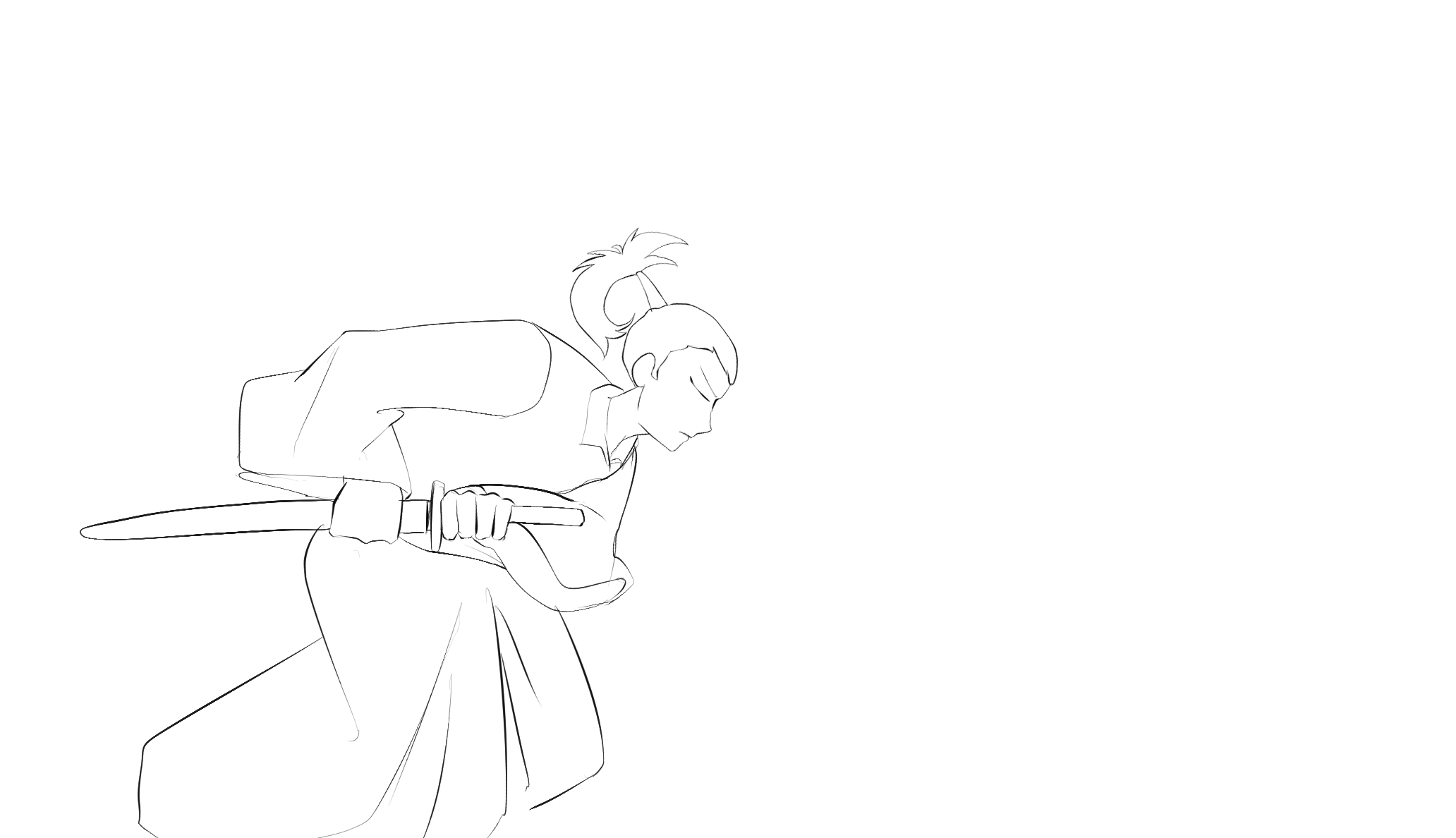
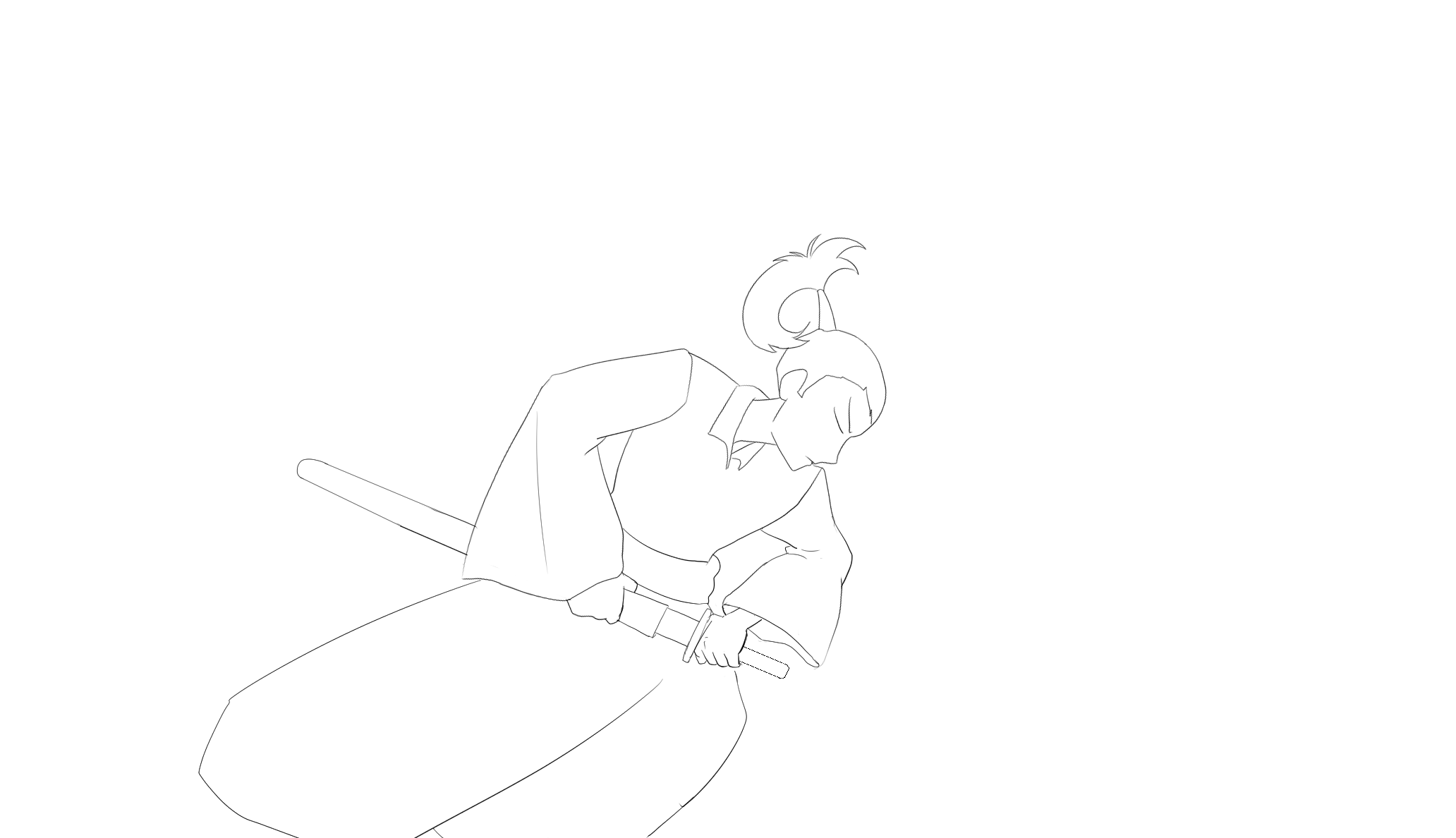
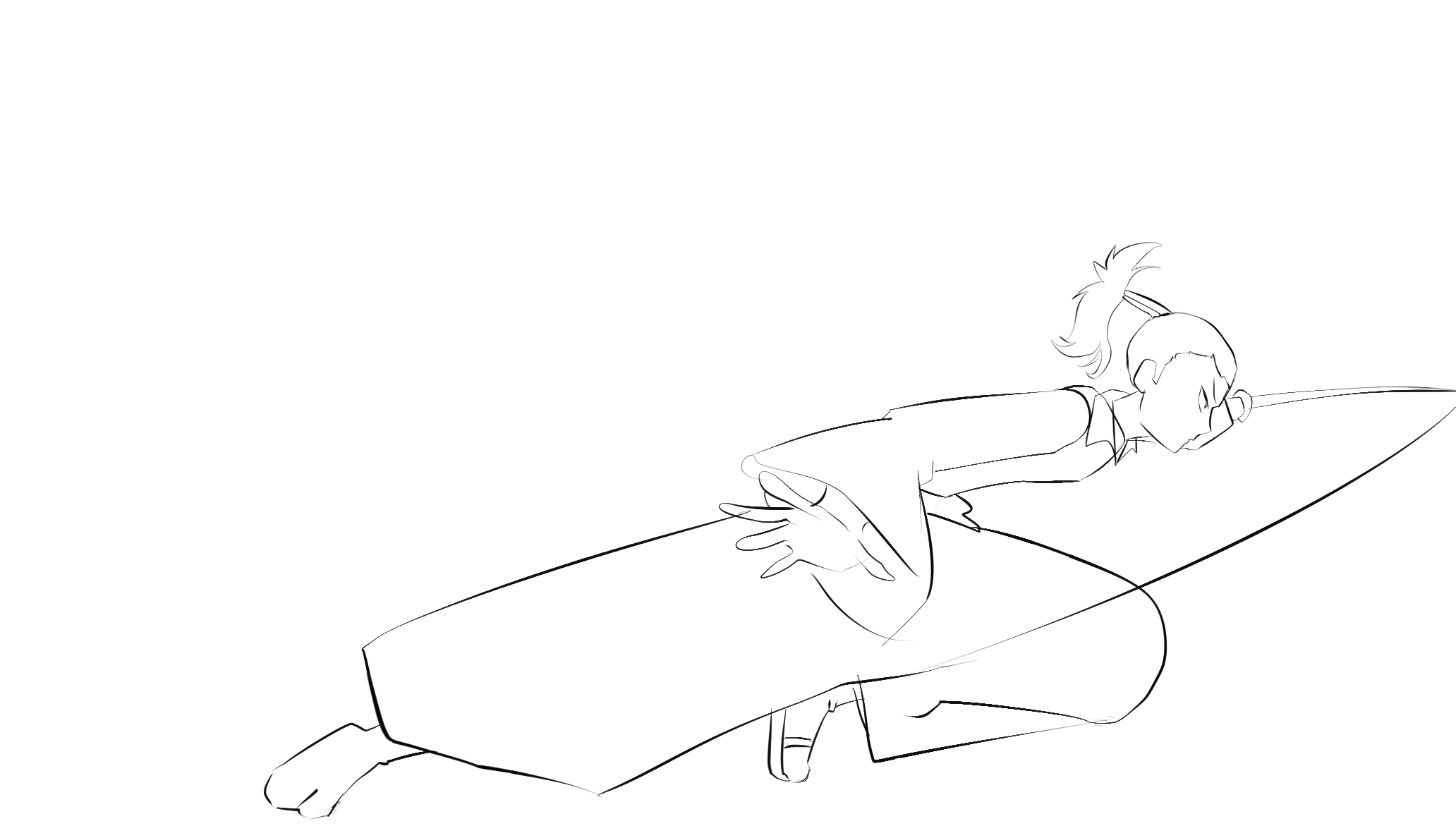
A one-handed draw-cut

3 keyframes → 45 generated frames
KEY 1Samurai keyframe 1: crouched, hand on the sheathed katana
KEY 2Samurai keyframe 2: mid-draw, blade clearing the sheath
KEY 3Samurai keyframe 3: extended lunge, cut finished
MotionCel fills the gaps
01 / 48

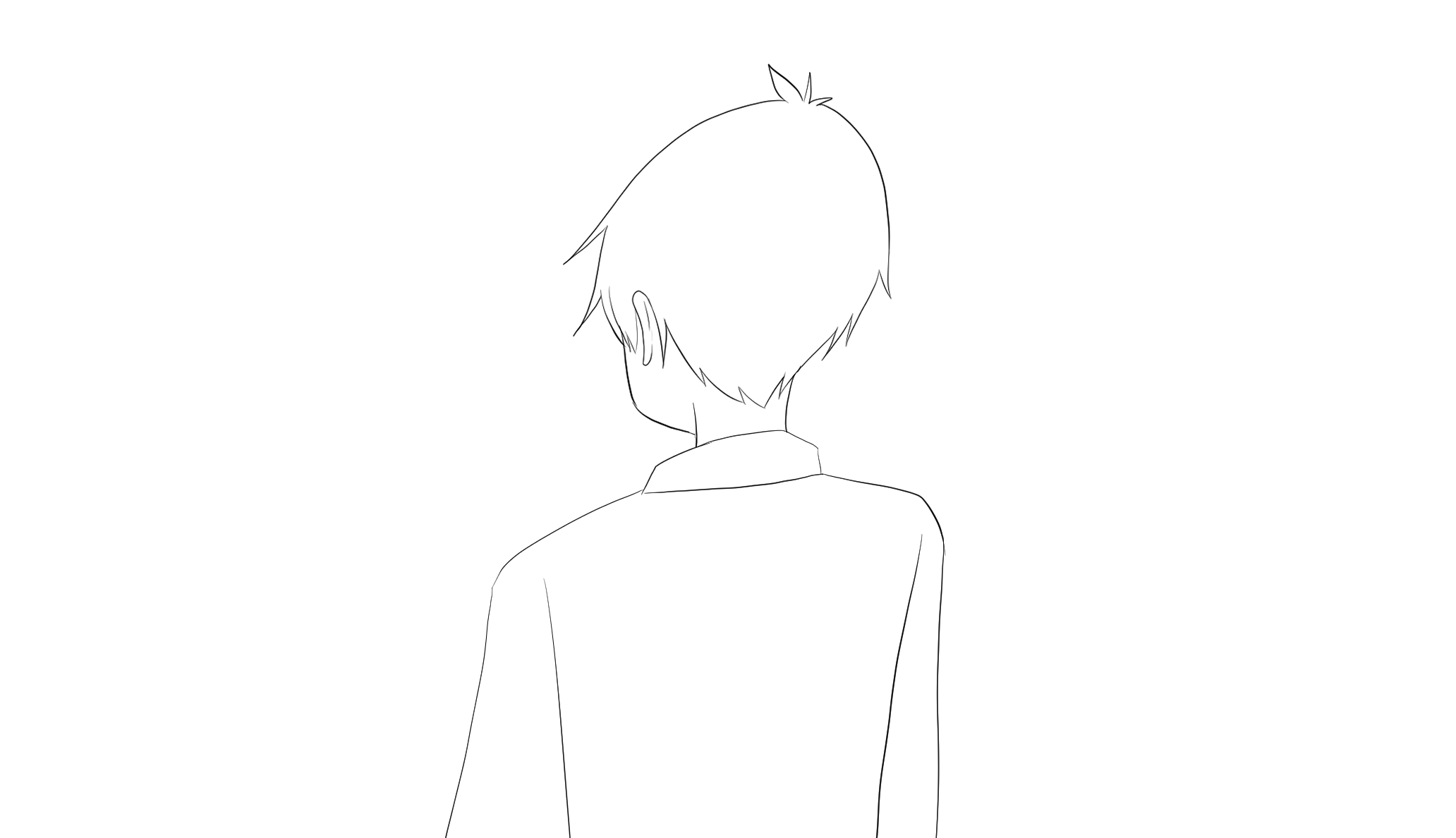
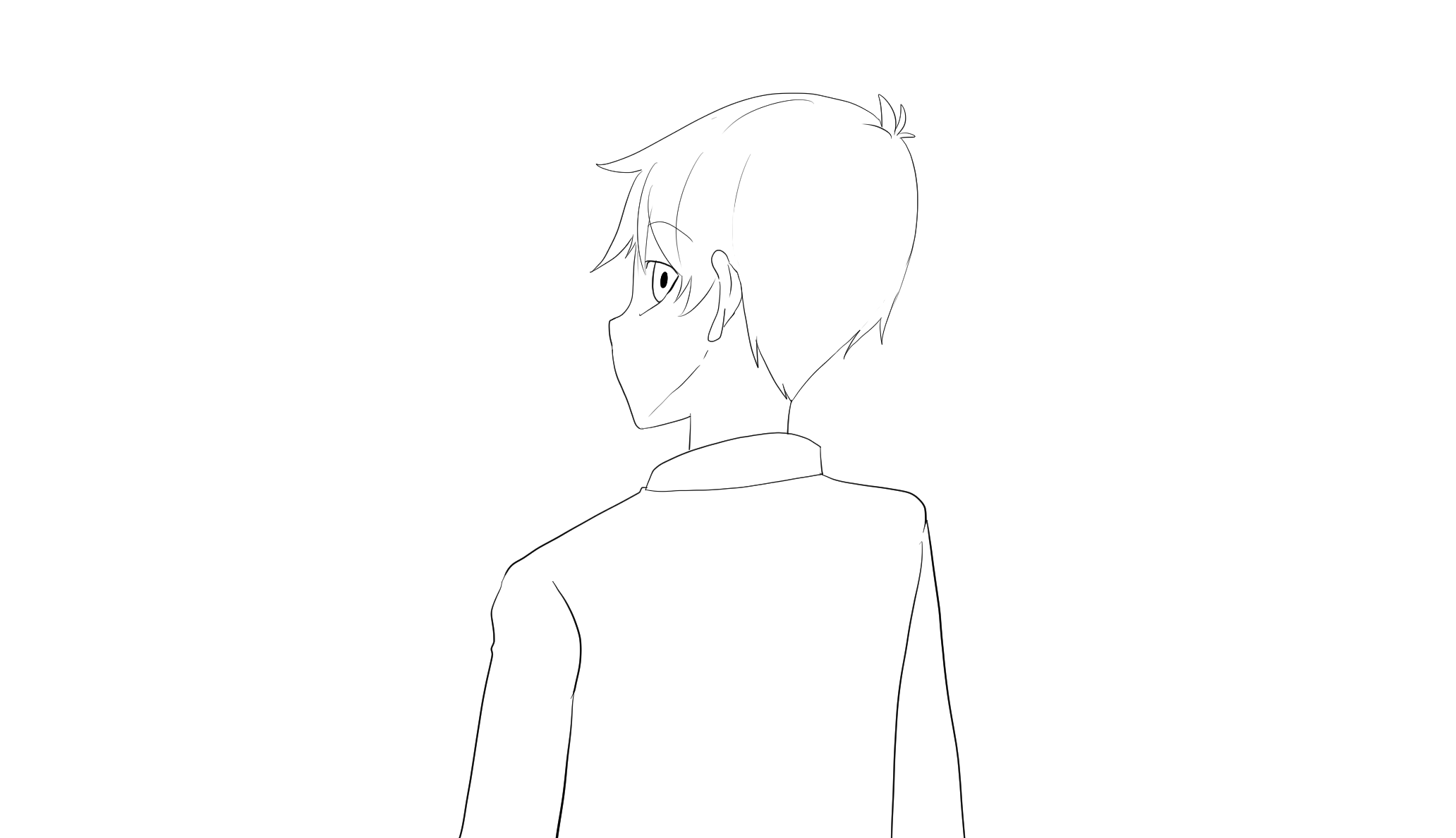
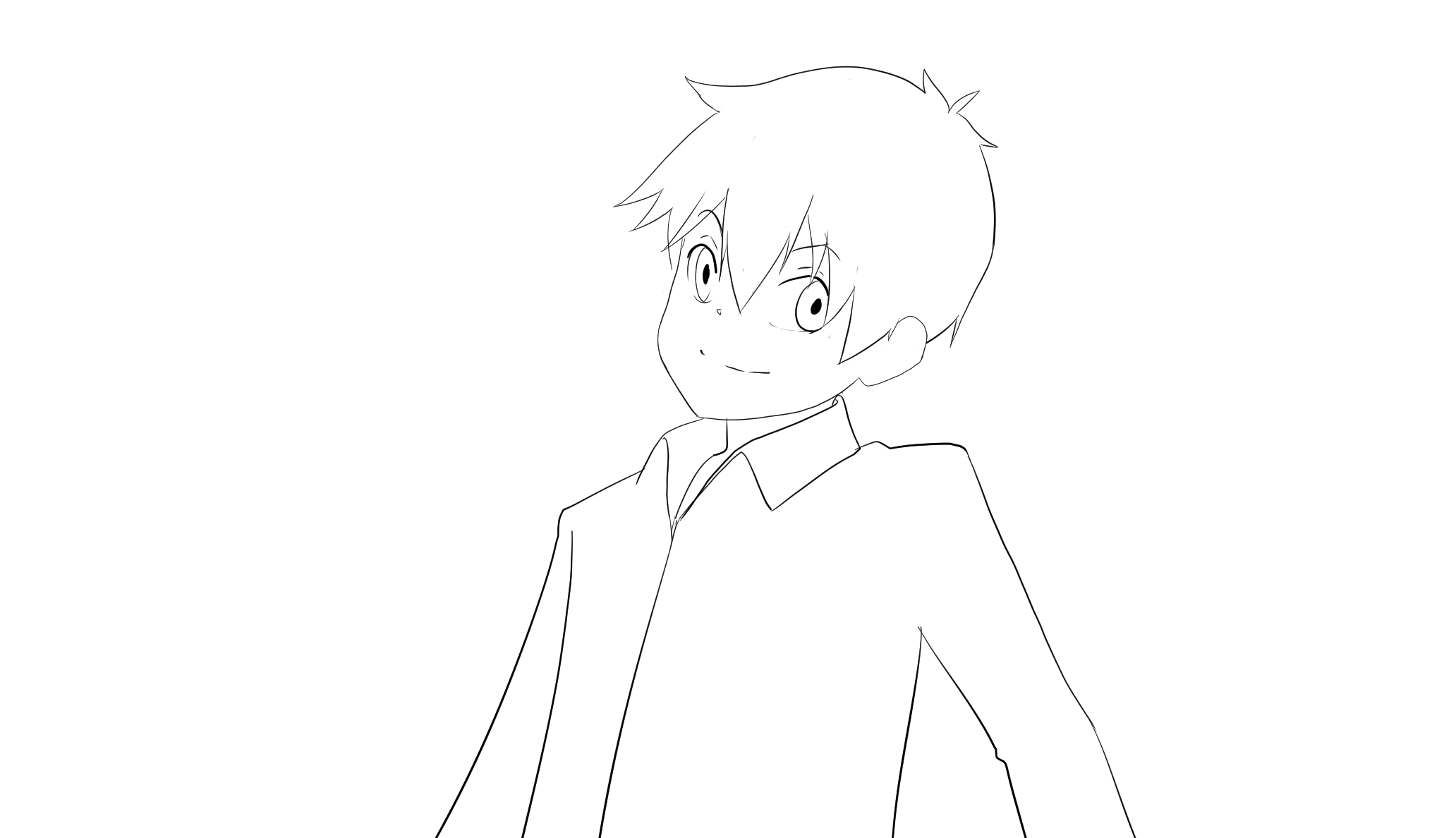
A turn, a glance, a wave

4 keyframes → 21 generated frames
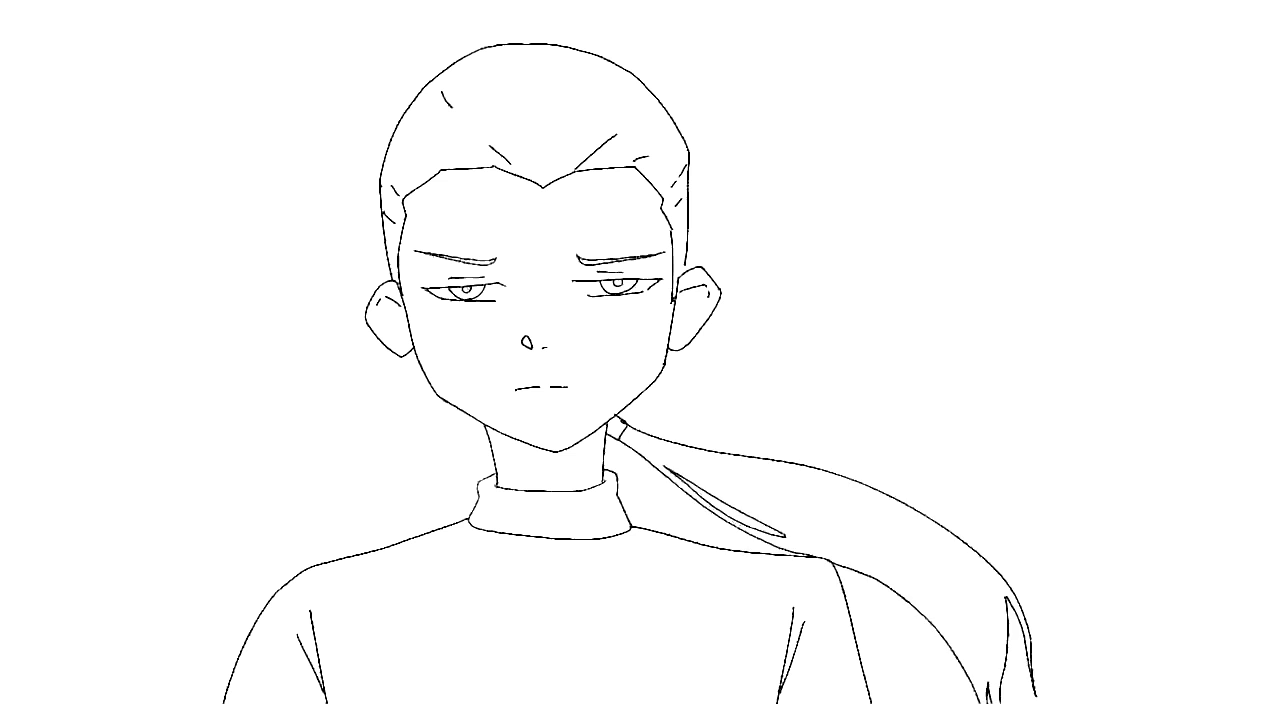
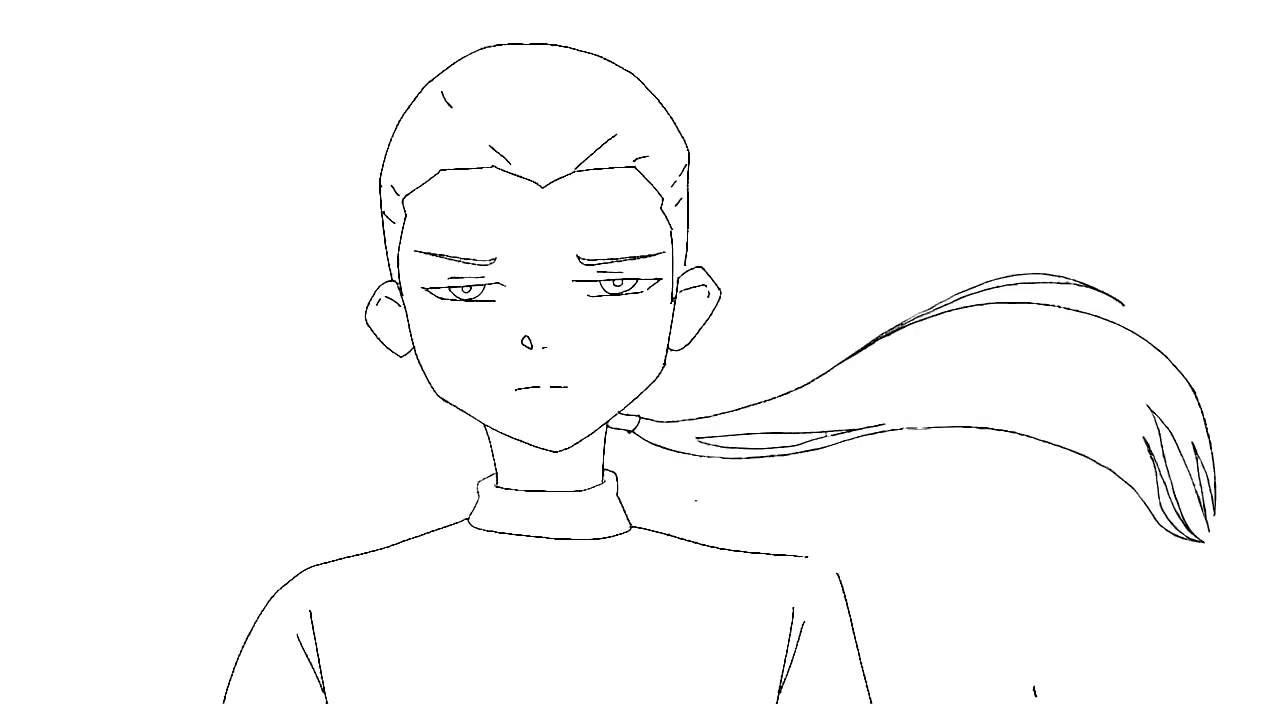
KEY 1Turn keyframe 1: back turned
KEY 2Turn keyframe 2: glancing over the shoulder
KEY 3Turn keyframe 3: facing forward
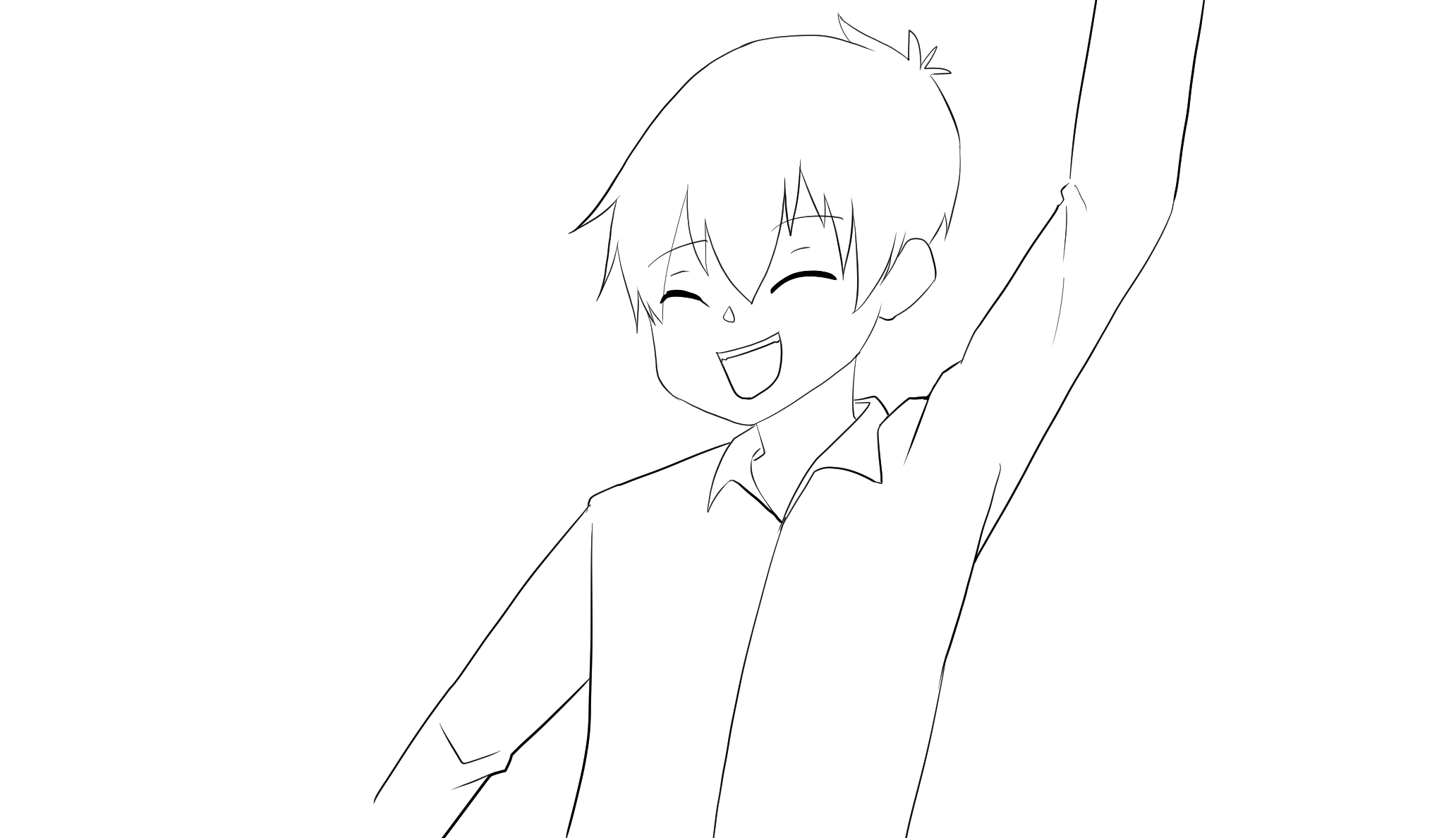
KEY 4Turn keyframe 4: smiling, arm raised in a wave
MotionCel fills the gaps
01 / 25
Exports drop straight into
  • CsClip Studio Paint
  • TbToon Boom
  • TvTVPaint
  • KrKrita
  • AeAfter Effects
Anything that reads a PNG sequence.
Honest by default

Honest about what it does.

We'd rather under-promise and show you exactly where the tool helps and where it doesn't. Here's the line, drawn plainly.

What it does

  • Clean line-art inbetweens between the drawings you make
  • Head turns, walks, gestures, expression changes, short gaps
  • Holds character form and keeps strokes closed and on-model
  • Gives you a few takes to pick from, so you choose every frame
  • Exports to the tools you already animate in

What it doesn't

  • No color, paint, or compositing (line art only)
  • Not a one-click "make me an animation" button
  • Fills the gaps between your keys; it won't invent motion you didn't draw
  • Big acrobatic action needs your breakdowns to stay faithful
  • Leaves every creative call to you, where it belongs
The promise
We don't train on your art, and we won't pretend the machine is the artist. It isn't. You are.
Built with working animators, for their workflow

Get early access.

We're onboarding animators in small batches. Join the list, or send us a clip and we'll inbetween it for you, so you can see it on your own drawings first.

Small batches. No spam. Waitlist members get first access, and a say in pricing.
You're on the list. ✓

Want to see it on your own drawings? Send a clip to [email protected] and we'll inbetween it.

Questions, answered straight.

What art styles does it handle?
Clean black line art on white is its home turf, and it inbetweens in the style of the drawings you feed it: your line carries through, not a house style. Rough pencil and looser sketches work too. Color, paint, and heavy shading aren't supported yet.
What goes in, and what comes out?
In: your keyframes as image files (PNG/JPG). Out: the inbetweens as a numbered PNG sequence or an MP4, ready to import into Clip Studio, Toon Boom, TVPaint, Krita, or After Effects. No proprietary format, no lock-in.
Do you train on my drawings?
Your uploads are used to generate your frames and nothing else, never to train the model. Your art stays yours, always.
How much will it cost?
Pricing isn't set yet. We're still learning what a fair, animator-friendly model looks like. Waitlist members get first access and a real say in it.